5 signs that Excel is slowing down your piping project
Excel in piping construction? These 5 warning signs show that your projects are suffering from spreadsheet chaos – and what you can do about it.
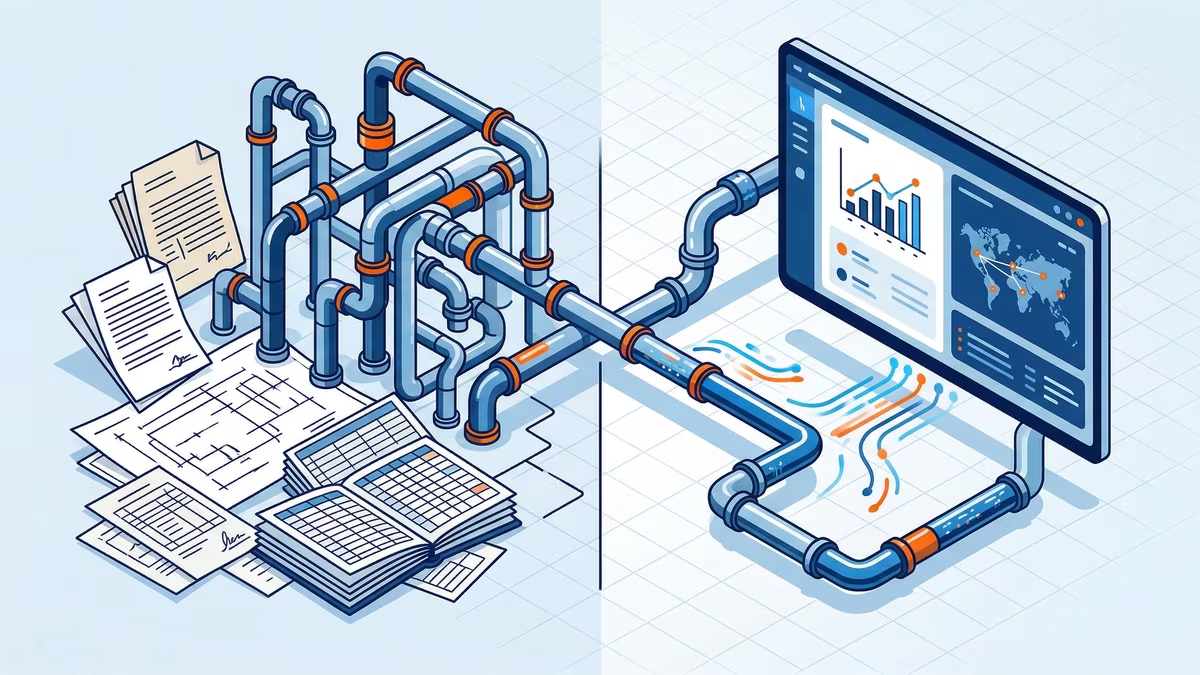
Excel is the Swiss Army knife of industry. It can do a lot — but not everything. Anyone managing a piping project with hundreds of isometrics, dozens of material certificates, and strict compliance requirements through spreadsheets eventually realizes: the tool no longer fits the task.
The problem is not Excel itself. The problem is that piping construction comes with requirements spreadsheets were never designed for. Here are five clear signs that it’s time to make a change.
1. Your "single file" has long since turned into a dozen
It started innocently enough: one Excel file for material tracking. Then came a second for weld documentation. A third for inspection status. Today, you have a network of files spread across different computers, drives, and email attachments.
No one knows exactly which version is current anymore. Someone edited a copy that was never merged back in. Purchasing is working with last week’s data while QA is using a different version.
The real risk: Decisions are being made based on outdated data. In the event of a material recall or an audit, that becomes a serious problem.
2. You spend more time on administration than on project management
If your project manager starts every morning updating Excel sheets instead of making decisions, something is wrong. Typical time drains in everyday Excel workflows:
- Manually assigning material certificates to the correct items
- Transferring inspection statuses from emails into spreadsheets
- Reconciling data between purchasing, QA, and site management
- Compiling reports for the client from multiple sources
Industry studies show that 20–30% of working time in work preparation and project management is spent purely on data maintenance. That’s time missing on site.
3. Compliance documentation is costing you sleepless nights
The Pressure Equipment Directive (PED 2014/68/EU), material certificates, and customer specifications require complete traceability. Every component must be traceable — from receipt of the inspection certificate to the installation location.
In Excel, it looks like this: you maintain a mapping table, manually link PDF scans stored in folders, and hope nobody moves a file. Then, during an audit, you are expected to prove in real time which certificate belongs to which weld.
The reality: Most teams need hours or even days to compile all documents required for documentation packages. With a structured database, it would take a single click.
4. The construction site and the office operate in different worlds
The site manager in the field needs the current isometric, approval status, and related information. What they get instead: a printout from last week and instructions to call the office with questions.
Excel files are not built for mobile use. Anyone opening a deeply nested spreadsheet with 40 columns on a tablet — if they even have one — gives up after the third zoom attempt. The result: information flows only one way — from the office to the construction site, but never back. Installation results are recorded by hand and typed in later. A source of errors and lost time combined.
5. New employees need weeks to understand the system
Every Excel-based project system is unique. The logic exists only in the minds of the people who built it — hidden in nested VLOOKUP formulas, conditional formatting rules, and concealed worksheets.
Whenever an experienced project manager leaves the company or a new employee is onboarded, the same search begins all over again: Where is everything stored? Which column do I need to fill in? What calculates automatically, and what has to be entered manually?
Industry-specific software, on the other hand, provides structures that are immediately understandable — because they speak the language of piping construction, not the language of cells and formulas.
Replacing Excel doesn’t mean changing everything overnight
No one expects you to delete all your spreadsheets tomorrow. The sensible approach is a gradual transition: start where the pain is greatest — usually with material tracking and documentation.
A platform like pAIpe was developed specifically for these use cases in piping construction: pipe classes, isometrics, material certificates, and inspection points in one system that works from the office to the construction site.
The first step? Take a conscious count of how many Excel files are currently circulating in your project. That number alone is often argument enough.
Would you like to see what piping projects can look like without Excel chaos?
At pAIpe.de learn more!