Goodbye clipboard: maintenance & service in one seamless flow — from QR scan to invoice
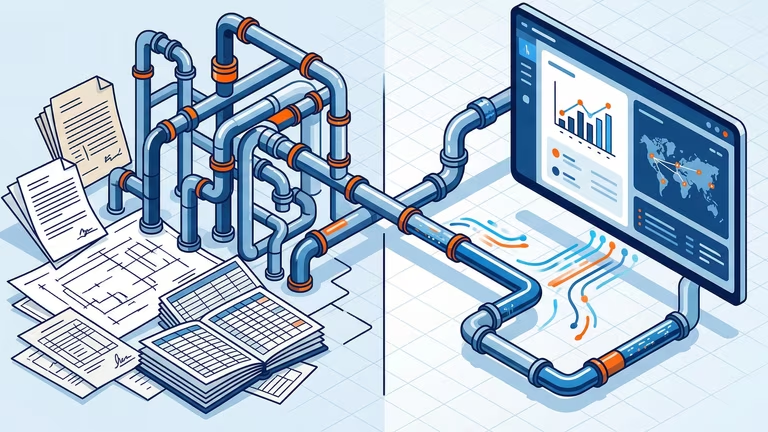
Four systems, duplicated effort, unrecorded hours at the end of the quarter — we designed Maintenance & Service so this process disappears. One data flow, from master data to the signed service report.
Goodbye clipboard: Maintenance & Service in one seamless flow — from QR scan to invoice
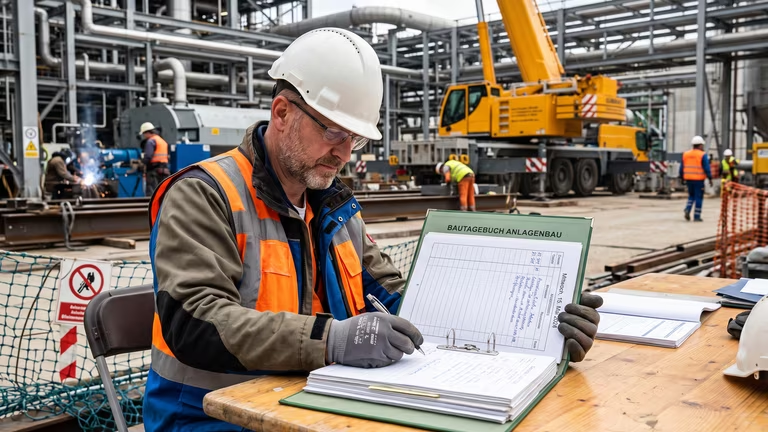
It’s 4:47 PM. Stefan is standing in Hall 3, clipboard under his arm, three maintenance jobs behind him, one ahead. On the pad: handwritten times, one crossed-out serial number, two forgotten spare parts. The Excel sheet is waiting in the van, the pile from last week is waiting at the office. At some point tonight, he’ll be wondering whether to put down 4.5 or 5 hours on the timesheet — and which pump it actually was again.
If this sounds familiar: this article is for you.
The truth about technical service in SMEs
Three systems running in parallel, an Excel list of assets, a maintenance report filled out on the hood of a car. Typing it all up in the evening, hoping nothing gets lost. Stefan and his colleagues aren’t the problem — the tools are. Every handoff between the real world and the system costs time, every duplicate data entry costs hours, and at the end of the quarter the documentation for services actually performed is missing.
In pAIpe, we built the Maintenance & Service module so this process disappears. From master data to signed service report, there is exactly one data flow. Here’s what that means in practice.
Assets and equipment: two worlds, cleanly separated
Traditional CMMS systems blur what should actually stay separate: the abstract model (manufacturer, pump type, spare parts list) and the specific equipment instance at the customer site (this exact pump, serial number 12345, Hall 3, installed in 2018).
With us, these are two distinct layers:
Equipment catalog — the master data. Four levels: activity → equipment type → manufacturer → model. Plus spare parts per model. Configure “Overhaul safety valve DN 100 PN 10” once, and every future job benefits from it — regardless of the customer.
Customer assets & equipment — the real instances with asset number (A-2026-000001), serial number, installation date, warranty, and a hierarchical location structure: Plant North → Hall 3 → Compressed Air Generation → Compressor 2. Infinitely scalable, without a rigid room schema.
The result: anyone maintaining the model has templates, checklists, and spare parts for all equipment of that type already covered. What normally takes days becomes a one-time task.
The maintenance order in 30 seconds
A maintenance order is not a project with pipelines and budgets. Nor should it be. In our system, the dispatcher selects: Customer → Equipment → Activity → done. The matching checklist template is already suggested because it’s linked to the model. Schedule, priority, and technician — that’s the rest. No wizard. No mandatory-field marathon.
On site: seconds matter
Stefan clicks “Start” on the checklist. The timer runs down to the second. When he moves to the next step, the first one is automatically stopped and completed with the measured time. Only one timer can be active at a time. Forgotten running timers? No longer an issue.
For each step, you define what happens when it’s checked off:
- Measured values, notes, photos, and acceptance criteria are stored directly on the corresponding equipment.
- Compliance-relevant steps can no longer simply be “clicked through.” Exactly what TÜV inspectors and auditors want to see.
One click instead of ten lines of notes
The spare parts list for each model appears automatically in the step. When Stefan installs a part, he clicks the spare part — done. When generating the service report, all marked parts are transferred automatically to the invoice. No manual additions, no forgotten items, no customer disputes about “but that part was installed.”
AI creates the first checklist
Honestly: who wants to manually type a 40-page manufacturer maintenance manual into a checklist?
In our system, AI handles it. Upload the PDF or image of the spare parts list — the AI extracts it hierarchically: assemblies with subassemblies, item numbers are directly resolved into spare part references, standard work steps are suggested. What used to be 90 minutes of typing becomes 5 minutes of review by the service manager.
The service report: from loose paperwork to legally compliant archive
In the service business, the billing document determines whether completed work turns into revenue. That’s why we treat the service report like an official document:
- Optional: customer signature via signature pad directly on the tablet.
- When completed, pAIpe stores it immutably in storage, attaches it to the project documents, and locks all billed steps against duplicate billing.
- The download always delivers the same PDF — even years later.
Multiple service reports per order (advance and final billing) are easily possible.
Recurring maintenance happens — even if nobody remembers it
Each asset can optionally be assigned a maintenance interval (e.g. “every 12 months”). A timer checks daily which equipment is due within the next 7 days and automatically creates orders — with the same responsible person as last time, so visibility for the assigned technicians works immediately. Once completed, the platform calculates the next due date.
The difference: between “weren’t we planning a TÜV inspection in May?” and an order that lands on the right desk on time.
QR code: the bridge between the physical world and the system
Every piece of equipment receives an immutable QR token when created. This generates:
- a printable label (with logo, asset number, model, and QR code)
- a publicly accessible page with configurable visibility — from full access for logged-in technicians to a pure branding page for end customers
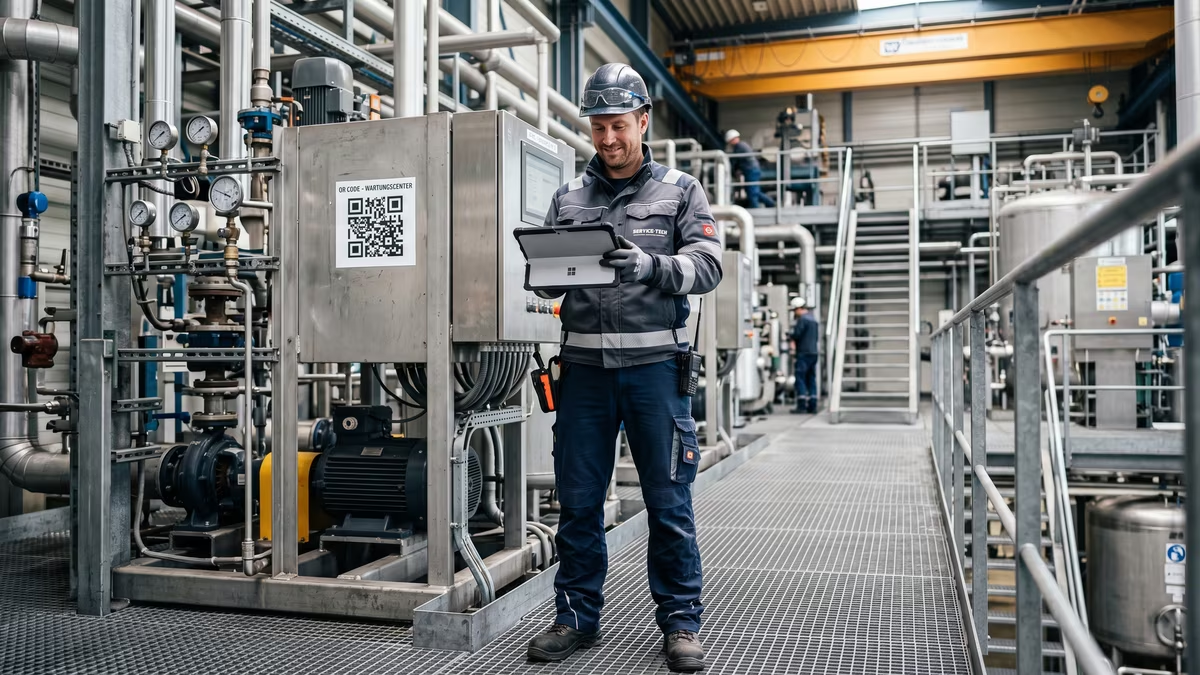
On site, Stefan scans the code and sees: previous maintenance jobs, open orders, model documents, spare parts lists. The end customer scans it and only sees what you’ve approved. Lost the label? One click on “Rotate QR” generates a new token — the old label leads nowhere, with no security risk.
Back to Stefan
It’s 4:47 PM. Stefan is standing in Hall 3, scans the QR code on the compressor, and sees the last three maintenance jobs and open orders. He clicks “Start,” works through the checklist, marks two spare parts as used, and photographs the nameplate as a required photo. The customer signs on the tablet. Stefan clicks “Generate service report.” In the background, the PDF is archived, the order is billable, and the next maintenance is already scheduled.
At 5:02 PM, Stefan drives out of the yard. Tonight, there’s no clipboard left to wrestle with.
If you want to see what this could look like in your service operations: get in touch with us. A demo takes 20 minutes — and shows you exactly what on your clipboard becomes obsolete.